
Table of Contents
If you are wondering how to play Baamboozle for the first time, the good news is that you can run a full game with very little preparation. Baamboozle is a browser-based classroom game platform. The teacher opens a game on one shared screen, the class splits into teams, and teams take turns picking numbered tiles, answering questions, and earning points.
What You Need Before You Play Baamboozle
You do not need special equipment. A computer connected to a projector or an interactive whiteboard is enough for most classrooms. If you teach online, you can share your screen over Zoom or Google Meet and run the game in the same way.
Before the lesson, check that the board is easy to see from the back of the room. Choose a game that matches your topic, your students’ age, and the time you have.
How to Play Baamboozle in the Classroom
Step 1: Find or Choose a Game
Start by going to the official Baamboozle website at https://www.baamboozle.com/ and searching the library for your topic. The library contains more than four million public teacher-made games, searchable by topic, language, or grade.
Preview the game before you use it. Read the questions, check the answers, and look for any that are too easy, too hard, or not quite right for your students. If you have an account, you can also create your own game. For a closer look at the platform, see our guide to what Baamboozle is.
Step 2: Set Up Teams and the Shared Screen
Open the game on your shared screen so the whole class can see the board. Split the class into two teams to start with. Two teams keep the game simple and easy to manage, especially the first time. Give each team a short, fun name and decide the order of play.
Explain the rules before you start. Each team picks a numbered tile, the class sees a question, the team discusses it, and then the team gives one answer. If the answer is correct, the team earns the points shown for that question. Appoint one spokesperson per team, and rotate the role so more students get a turn to speak.
Step 3: Pick Tiles, Answer Questions, and Earn Points
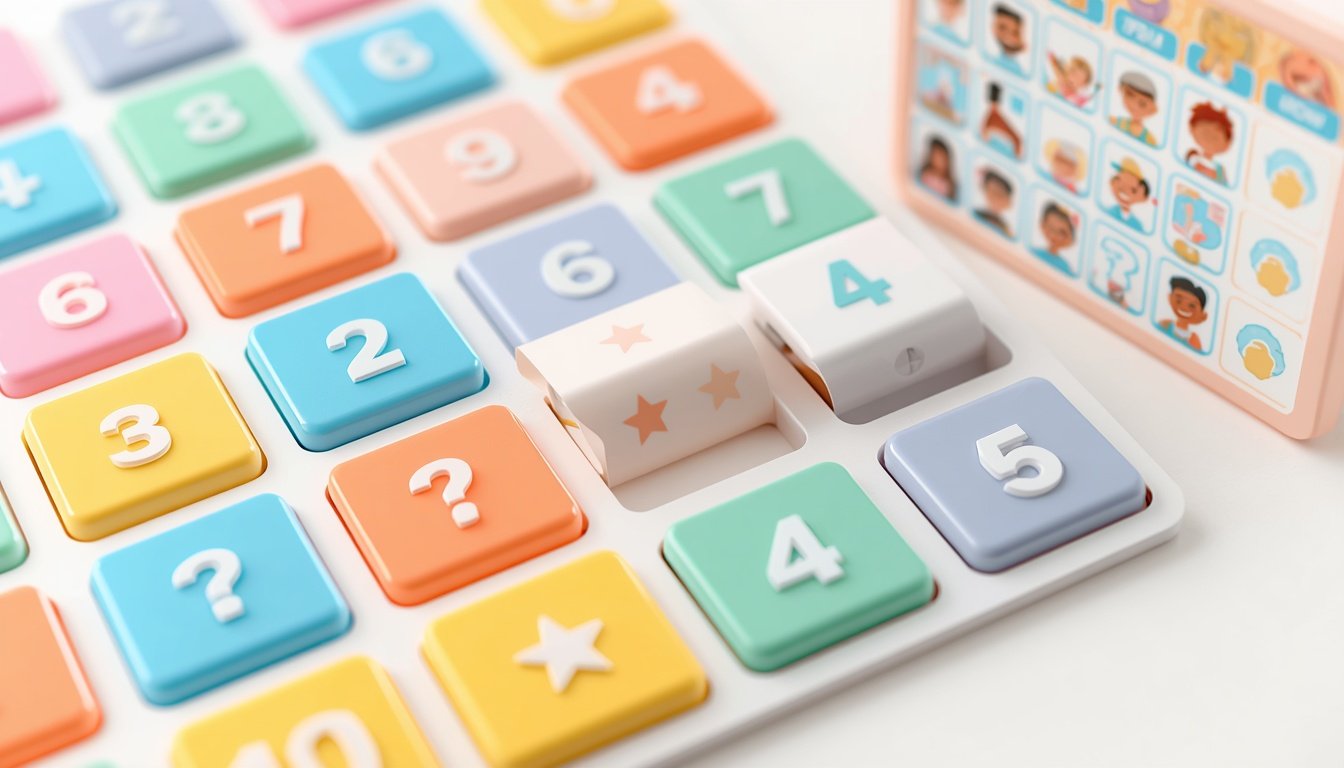
The tile board is the heart of the game. Each tile has a number, and behind most tiles is a question worth a set number of points. When it is a team’s turn, a student from that team chooses a numbered tile. The question appears on the shared screen, and the team has a short time to discuss it.
Set a clear time limit, such as thirty seconds. When time is up, the spokesperson gives the answer. If it is correct, add the points to that team’s total. If it is wrong, briefly explain the correct answer before moving on.
Step 4: Watch Out for Surprise Tiles and Finish the Game
Some tiles are surprise tiles that can add points, take points away, or swap the teams’ scores. When the last tile has been played, add up the scores and announce the winner.
Playing Baamboozle Online or With a Large Class
Baamboozle works well over Zoom or Google Meet because only the teacher needs to share a screen. Share the game window, read the questions aloud, and let students answer in the chat or by unmuting. For a large class, keep teams small and rotate the spokesperson. The paid Baamboozle+ plan allows up to eight teams and includes a six-digit Class PIN. Check the official Baamboozle website for current pricing if you want to compare the free Basic plan with Baamboozle+. For ideas on writing your own questions, read our guide on how to create fun classroom games with Baamboozle.

Checklist: How to Play Baamboozle for the First Time
- Choose a game that matches your topic, age group, and lesson time
- Preview every question and check the answers before class
- Test the game on your projector, whiteboard, or screen share
- Split the class into teams and give each team a name
- Explain the rules, the time limit, and how scoring works
- Appoint a spokesperson for each team and rotate the role
- Warn students about surprise tiles before you start
- Keep a visible score and review the hardest questions at the end
Frequently Asked Questions
Do students need devices or accounts to play Baamboozle?
No. In a normal classroom game, only the teacher needs to open the game on a shared screen. Students take part by discussing the questions and giving answers as a team. They do not need their own devices or logins.
How many teams can I have in a Baamboozle game?
Start with two teams, which is the simplest setup for a first game. The paid Baamboozle+ plan allows up to eight teams. For most lessons, two to four teams work best, because smaller teams give more students a chance to answer.
Can I make my own Baamboozle game?
Yes. You can create your own game with questions written for your lesson, but you will need an account to create one. You can also search the library of more than four million public teacher-made games and use one another teacher has made, after checking the questions suit your class.
What happens if a team picks a surprise tile?
A surprise tile can change the score, for example by adding points, removing points, or swapping the teams’ scores. Tell students about surprise tiles before the game starts so they expect them.
A Simple Game That Works in Most Classrooms
Learning how to play Baamboozle takes only a few minutes, and a first game can be ready with very little preparation. Find a suitable game, set up your teams, explain the rules, and let the class take turns choosing tiles and answering questions. Keep the pace steady and review the tricky questions at the end, so students get both a fun activity and useful practice.
Pingback: Best Budget Smartphone USA 2026 (Top Picks)
Pingback: How to Check If Your Phone Is Unlocked USA
Pingback: Best Budget Laptop Under 500 USA (2026)
Pingback: ChatGPT vs Gemini vs Claude 2026
Pingback: Baamboozle vs Quizizz: Which Is Better for Teachers?
Pingback: Baamboozle for High School Students: Review Games, Exam Prep and Team Competition
Pingback: Baamboozle for Special Education: A Guide for SEN Teachers
Pingback: How to Create a Baamboozle Game in 7 Easy Steps