
Finding the best monitor for work from home 2026 starts with a simple question: how much screen do you actually need? A laptop screen is fine for a quick email, but for a full day of work, a proper external monitor changes everything. The sweet spot for most remote workers is a 27-inch, 4K IPS display with USB-C that charges your laptop. This guide compares the best options at every price.
Table of Contents
Best Monitor for Work From Home 2026 at a Glance
The Dell UltraSharp U2723QE is the editor’s pick for most remote workers. The LG 27UP850K-W is the best value, with the same 4K size and 90W USB-C for much less. The Dell S2725QS is the budget 4K pick, and the Samsung M8 is best if you want a built-in webcam and smart TV features. The LG 34WP65C-B ultrawide is best for multi-window work. Every pick below was chosen as the best monitor for work from home 2026 for a different desk and budget, so start with this summary and then read the full review of the one that fits you.
What to Look for in a Work From Home Monitor
The sweet spot is 27 inches, 4K (3840 by 2160), IPS, and USB-C with 65W or more, so one cable carries picture and power. A 1440p display (2560 by 1440) is the solid middle ground if 4K is out of budget.
Dell S2725QS — Best Budget 4K Monitor
The Dell S2725QS is the budget 4K pick, and the cheapest way to get a sharp 27-inch 4K screen. It is a 27-inch 4K display with a 120Hz refresh rate. It has been seen at USD 218.49 to USD 279.99, remarkable value for a 4K monitor. The catch is that it has no USB-C input, so you will need a separate cable and charger for your laptop. The S2725QC adds USB-C 65W at about USD 350.
Dell UltraSharp U2723QE — Editor’s Pick for Most Remote Workers
The Dell UltraSharp U2723QE is the editor’s pick for most remote workers,. It is a 27-inch 4K IPS Black display, factory calibrated for accurate colour. It has USB-C with 90W power delivery, enough to charge almost any laptop, and costs about USD 549, with a seen range of USD 484.55 to USD 704.99, so shop around for a deal. It has no built-in webcam, so you will need a separate camera. Check the full specifications on the official Dell site before you buy.
Dell UltraSharp U3225QE — Best for One-Cable Laptop Setups
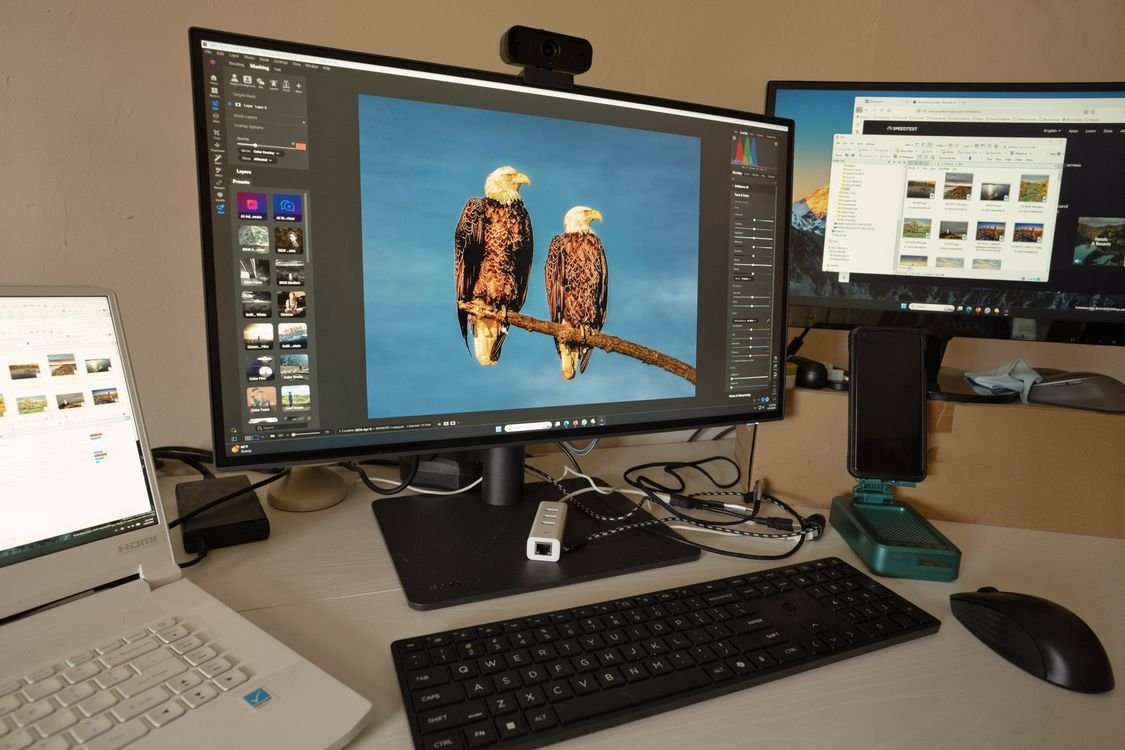
For a bigger screen and a clean desk, the Dell UltraSharp U3225QE is best for a one-cable laptop setup. It is a 32-inch 4K display with a 120Hz refresh rate, Thunderbolt 4, and up to 140W of charging, enough for even the most power-hungry laptops. It costs USD 799.99 to USD 949.99, but it replaces a dock, charger, and hub, because Thunderbolt 4 carries video, data, and power through one cable. The 27-inch U2725QE is the cheaper way into the same line.
LG 27UP850K-W — Best Value 4K Monitor
The LG 27UP850K-W is the best value monitor here, giving nearly everything the editor’s pick offers for much less money. It is a 27-inch 4K IPS display with USB-C and 90W power delivery, so it charges your laptop through the same cable that carries the picture. It costs about USD 334 to USD 349.99, a large saving over the Dell, with excellent picture quality for office work. If you want 4K with proper USB-C charging at a low price, this is the monitor to buy.
ASUS ProArt PA279CV — Best for Colour Work
The ASUS ProArt PA279CV is the best monitor here for colour work, such as photo editing, design, or video work. It is a 27-inch 4K IPS display with USB-C and 65W power delivery, costing about USD 342 to USD 372. It is tuned for accurate colour, which matters if your work depends on colours looking right. For most office workers, the LG is better value, but for designers and editors, the ProArt is the right pick.
Samsung M8 and LG Ultrawide — Smart Features and Multi-Window Work
The Samsung M8 Smart Monitor is best if you want a monitor that does more than show your laptop screen. It is a 32-inch 4K display running Tizen OS, with a built-in 2K webcam, AirPlay 2, and Netflix and Spotify without a computer. It has USB-C with 65W charging and costs about USD 549. The LG 34WP65C-B is best for multi-window productivity, because its ultrawide screen replaces two monitors with one. It is a 34-inch ultrawide, 3440 by 1440 curved IPS, 160Hz, USB-C 94W, costing about USD 399. It lets you keep three windows open side by side, handy for teaching: see our guide to Baamboozle for online classes.
Apple Studio Display and ASUS VA27EHF — Premium and Budget Ends
The Apple Studio Display is best for Mac owners. It is a 5K display that charges at 96W at most, costing USD 1,599 to USD 1,859.99. The ASUS VA27EHF is the tightest-budget option: a 27-inch FHD IPS display, 100Hz, no USB-C, for about USD 139. It suits basic office work if you cannot stretch to 4K.
How to Choose the Best Monitor for Work From Home 2026
A good monitor only helps if you set it up well, so take a few minutes to get the ergonomics right. OSHA prefers a viewing distance of 20 to 40 inches, about an arm’s length. The top of the screen should be at or slightly below eye level, which is why an adjustable stand matters. Skip OLED as your main work screen: it can suffer burn-in and text fringing. An IPS panel is safer. When you compare the best monitor for work from home 2026, put size and resolution first, then USB-C power, colour accuracy and price.
Quick Checklist Before You Buy
- Pick 27-inch 4K IPS as your target, or 1440p if your budget is tight.
- Check USB-C power delivery: 65W for most laptops, 90W or more for larger ones.
- Measure your desk to make sure a 27-inch, 32-inch, or ultrawide screen fits.
- Pick the best monitor for work from home 2026 for your desk size, your laptop and your budget.
FAQs
What size monitor is best for working from home?
A 27-inch monitor is the sweet spot for most remote workers, large enough for two windows side by side without taking over your desk. A 32-inch screen gives more room, and a 34-inch ultrawide is best for multi-window work.
Is 4K worth it for a work monitor?
Yes, if your budget allows: text is sharper and you fit more on screen. A 1440p or QHD display is the solid middle ground if 4K is too expensive, and still a big improvement over a laptop screen.
Do I need USB-C on my work monitor?
USB-C is not essential, but it makes your desk simpler, because one cable carries the picture and charges your laptop. Look for 65W or more for most laptops, and 90W or more for larger ones. Without USB-C, like the Dell S2725QS, you will need a separate charger.
Should I buy an OLED monitor for office work?
No, skip OLED as your main work screen. OLED panels can suffer burn-in from static elements such as taskbars and menus, and can show text fringing that makes small text harder to read. An IPS panel is safer for office work.
Pingback: Best Antivirus for Windows 11 2026: Top Picks Tested