
Table of Contents
If you have ever played Baamboozle with your class, you know the moment. A team picks a tile, answers correctly, and then something unexpected happens — often thanks to Baamboozle power-ups. The score changes, the room erupts, and every student is suddenly paying attention.
That moment usually comes from the surprise tiles built into the game, which can change scores and shake up the leaderboard. This guide explains what they are, how they work, and how to use them well so they add excitement without taking attention away from learning.
What Are Baamboozle power-ups?
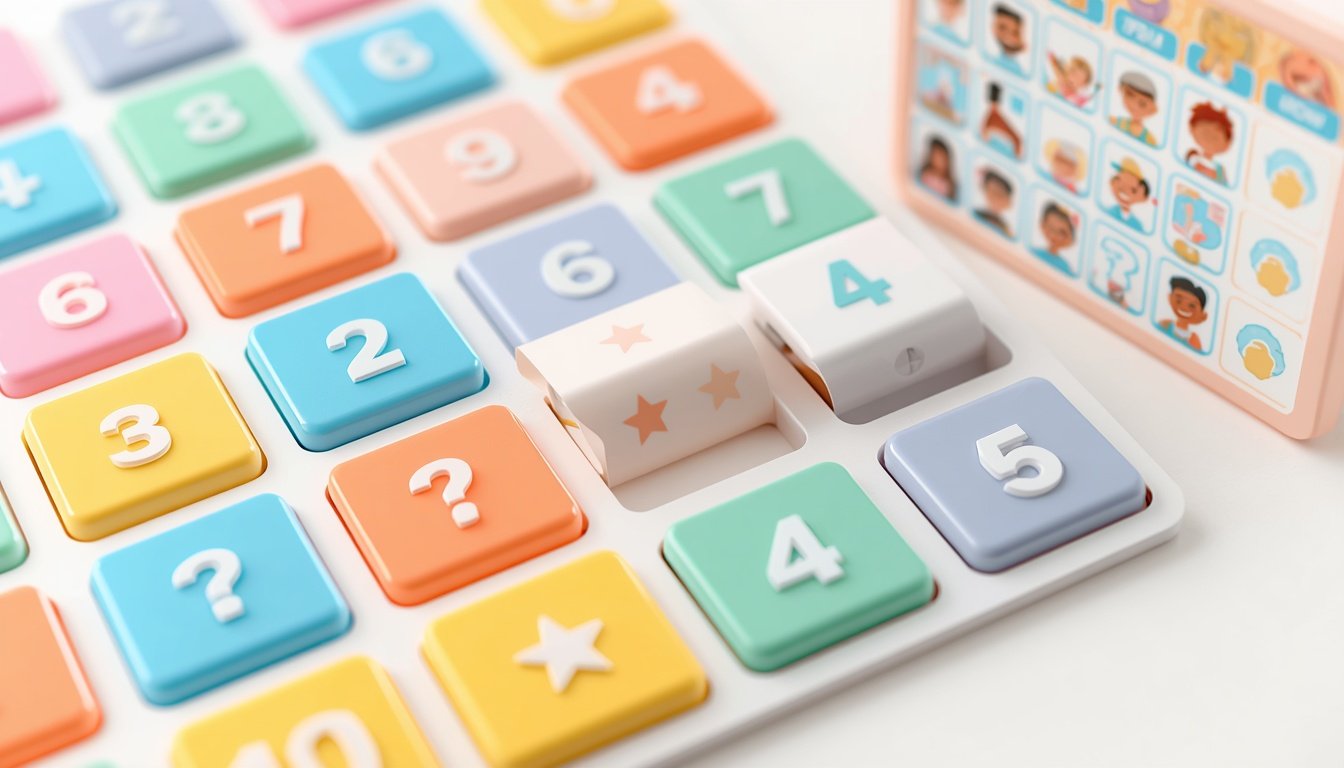
Baamboozle power-ups are surprise tiles inside a Baamboozle game. In a normal round, the teacher opens a game on one shared screen, the class splits into teams, and teams take turns picking numbered tiles. Each tile hides a question, and a correct answer earns points.
A surprise tile works differently. Instead of simply awarding points, it can change scores in an unexpected way. Students do not know which tiles are ordinary and which hold a surprise until a tile is picked and revealed. That uncertainty keeps everyone involved, even when it is not their team’s turn. For a fuller introduction, see our guide on what Baamboozle is.
How Surprise Tiles Work in a Game
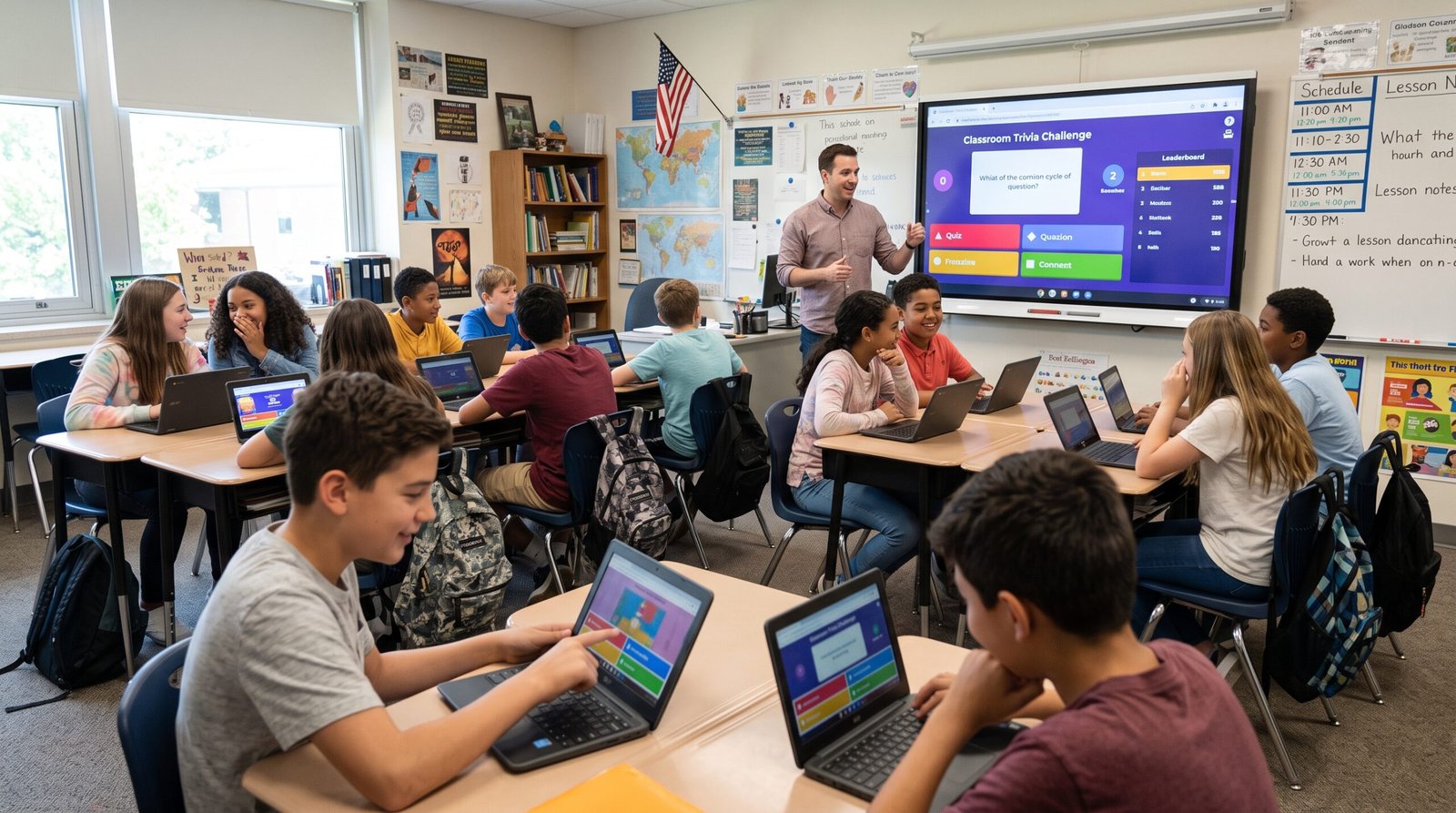
You do not need student devices or logins to use surprise tiles. The game runs on one shared screen at the front of the room. The teacher controls the board, reads the questions aloud, and keeps score as teams answer.
A team chooses a numbered tile and the teacher reveals what is behind it. If it is an ordinary tile, the team answers the question and earns points for a correct answer. If it is a surprise tile, the teacher follows what the game shows and explains the result in simple terms. Then play continues with the next team.
Why Surprise Tiles Make Games More Exciting
Surprise tiles add suspense to a familiar routine. Without them, a quiz game can feel predictable. The team that answers the most questions pulls ahead, and the team at the bottom may stop trying. With surprise tiles in play, the outcome stays open for longer, so a team that is behind can catch up.
That suspense also helps with attention. Students watch the board even when it is not their turn because they want to see what happens next.
How to Keep Surprise Tiles Fair and Fun
First, explain the idea before you start. Tell the class in one or two sentences that some tiles hold surprises and that surprises can change scores. When students know this from the start, they are far less likely to feel cheated when it happens.
Second, keep your tone light and even. If a team loses ground because of a surprise tile, acknowledge it briefly and move on. Third, remind students that the questions still decide most of the game. A team that answers steadily and works together will still have plenty of chances to do well. Finally, watch the mood. If students are getting upset, finish a little early.
Using Surprise Tiles With Different Age Groups
Younger students often love surprises, but they can also take score changes personally. With kindergarten and early primary classes, keep the game short, celebrate effort as much as points, and explain each surprise in very simple language. Say that the tile moved the score and that every team still has more turns to play.
Older students usually enjoy the suspense and the friendly competition. The same rule applies: explain the idea first, keep the tone fair, and keep the questions as the main focus.
Baamboozle Power-Ups: Common Mistakes to Avoid
One common mistake is letting the score become the whole lesson. If students are only talking about points, pause and bring the attention back to the questions. Ask a team to explain how it reached an answer.
Another mistake is playing for too long. A shorter, lively game usually works better than a long one that runs out of steam. A third mistake is choosing questions that are too hard or too easy. Choose a game that matches your topic and level, or create your own game with questions you know will work.
Practical Tips Checklist
- Explain before you start that some tiles hold surprises and can change scores.
- Keep the game short and lively, and end while energy is still high.
- Celebrate good answers and teamwork, not just the team in first place.
- Pause and explain a surprise clearly if students look confused or upset.
- Remind the class that steady, correct answers still matter most.
- Choose questions at the right level for your students.
Frequently Asked Questions
What are Baamboozle power-ups?
Baamboozle power-ups are surprise tiles inside a Baamboozle game that can change scores in unexpected ways. Teams pick numbered tiles, answer the questions behind them, and earn points for correct answers. A surprise tile adds a twist that keeps the game lively until the end.
Do students need devices to use surprise tiles?
No. Baamboozle runs on one shared screen, so students do not need their own devices or logins. The teacher displays the game on a projector or interactive whiteboard and runs the board while teams answer aloud.
Are Baamboozle power-ups part of the free plan or Baamboozle+?
Baamboozle has a free Basic plan, and Baamboozle+ is the paid plan with extra features. Plan details can change over time, so check the official Baamboozle website for current pricing. Visit Baamboozle to see the latest information and to play or sign up.
How do I stop surprise tiles from upsetting my students?
Explain the idea before the game starts, keep your tone light, and remind students that every team gets more turns. If a surprise causes upset, pause, explain what happened in simple terms, and move on quickly. To compare platforms, see our guide to Baamboozle alternatives.
Baamboozle power-ups work best when they support the learning, not when they take over from it. Explain the idea first, keep the mood fair and friendly, and let the questions do the real work.