
An eSIM is a digital SIM built into your phone, and learning how to activate eSIM in USA takes only a few minutes once you know the steps. Your carrier sends a QR code or activation link, you scan it, and the mobile plan downloads over Wi-Fi. In the United States, every iPhone 14 and later model is eSIM-only, so new iPhone owners have no choice but to use one. Most recent Samsung Galaxy and Google Pixel phones support eSIM too. This guide covers how to activate eSIM in USA for each phone, what to check first, and what to do when activation fails.
Table of Contents
Before You Start: Check Your Phone Supports eSIM
Before you buy a plan, confirm your phone can use an eSIM by dialling *#06#. If you see an EID number, your phone has eSIM hardware. Every iPhone from the XS (2018) onward supports eSIM, and all US iPhone 14 and later models are eSIM-only. Most Galaxy S20 models and newer support it, and on Google Pixel, models from the Pixel 3 onward support it.
You also need two other things. First, your phone should be carrier-unlocked, or locked to the carrier whose eSIM you are activating. Second, you need stable Wi-Fi, because the profile downloads over the internet. Install it at home before you travel, not at the airport, and keep the QR code on a second screen or printed out, since you cannot scan a code on the same phone screen.
How to Activate eSIM in USA on iPhone
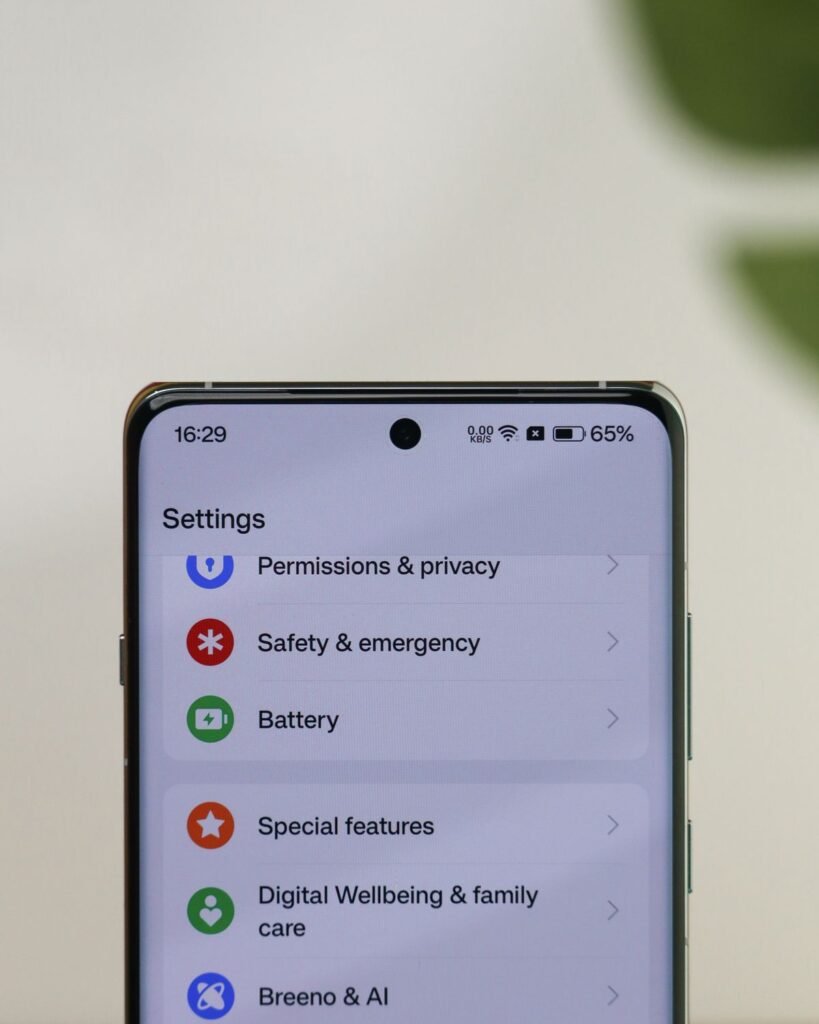
On an iPhone, connect to Wi-Fi, open Settings, and tap Cellular, or Mobile Service on newer iOS versions. Tap Add eSIM, then choose Use QR Code and point the camera at the code your carrier sent you. If your carrier sent a link instead, tap the link and follow the prompts. Some carriers also support eSIM Quick Transfer, which moves your number from your old iPhone during setup without a QR code.
Once the profile downloads, label the line Work, Personal, or USA Travel, then choose your default voice line and data line. For a travel eSIM, set it as your data line and keep your home SIM for calls. If you run into trouble after switching networks and an app will not load, our guide to Baamboozle not working covers the usual network fixes. Apple publishes the official steps on its support site at https://support.apple.com.
How to Activate eSIM in USA on Samsung Galaxy
On a Samsung Galaxy phone, open Settings, then tap Connections, then SIM Manager. Tap Add eSIM and scan the QR code your carrier gave you. If you do not have a QR code, tap Enter details manually and type the SM-DP+ address and activation code your carrier provided. The phone downloads the plan over Wi-Fi, which usually takes a minute or two.
After the download, the eSIM appears in SIM Manager. Tap it to turn it on, and choose whether it is your primary line or your data line. You can set one SIM for calls and texts and another for mobile data. Samsung publishes its own setup steps at https://www.samsung.com/us/support/ if your menu looks different.
How to Activate eSIM in USA on Google Pixel
On a Google Pixel, open Settings, then tap Network and internet, then SIMs. Tap the plus icon or Download a SIM instead, then scan the QR code. If you were given manual details, enter the SM-DP+ address and activation code instead. The Pixel downloads the profile over Wi-Fi and adds it to your SIM list.
Once it is installed, tap the new SIM and turn it on. Set it as your preferred SIM for mobile data, and leave your other SIM as the default for calls. You can also switch data between SIMs from the quick settings panel when travelling.
Setting Your Default Lines and Data Roaming
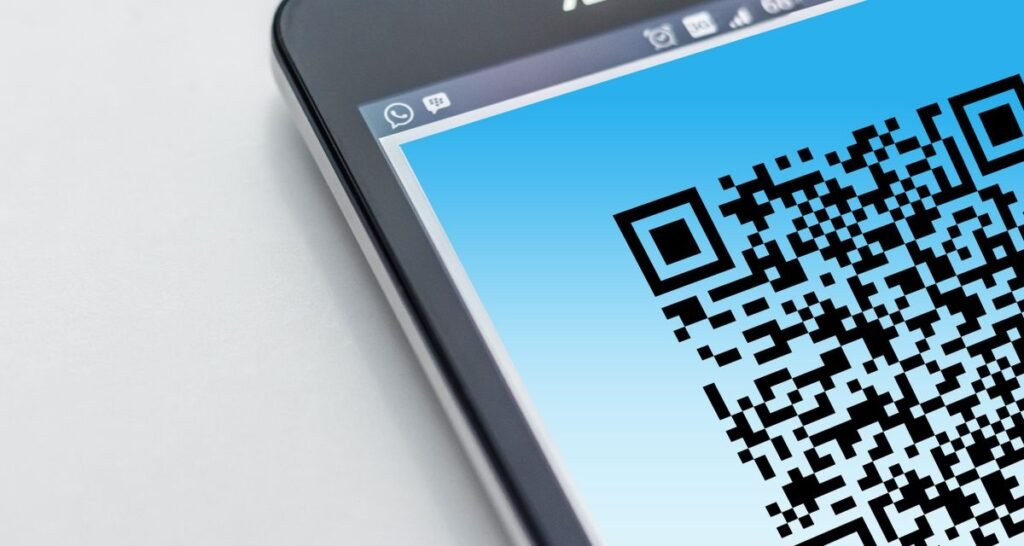
After activation, check your line settings. On iPhone, go to Settings, then Cellular, and set your default voice line and your cellular data line. On Samsung, use SIM Manager to pick the preferred SIM for calls, texts, and mobile data. On Pixel, the same choices live under Settings, then Network and internet, then SIMs.
If the eSIM is for travel, turn on data roaming for that eSIM only, and leave roaming off on your home SIM. A travel eSIM needs roaming switched on to connect to a local network, while your home SIM would charge expensive roaming fees abroad. Also turn off automatic data switching if you do not want the phone falling back to the other line. Check that the new line shows signal before you rely on it.
What to Do If Your eSIM Will Not Activate
If you run into trouble while learning how to activate eSIM in USA, check the simple causes first. Make sure you are on Wi-Fi, restart the phone, and confirm the phone is not locked to a different network and the plan is for the right country.
If the QR code will not scan, try the manual details instead, and check that the code has not already been used. Most QR codes are single-use, so once you scan one and download the profile, it becomes invalid. If the profile downloads but shows no service, check that the line is turned on and that data roaming is on for a travel eSIM. If the phone says the eSIM is not supported, dial *#06# again and look for the EID number. No EID usually means the phone lacks eSIM hardware. When none of this works, contact your carrier with your EID number ready, since that is the first thing they will ask for.
Quick Checklist: How to Activate eSIM in USA
- Dial *#06# and confirm you see an EID number
- Confirm the phone is unlocked, or locked to the right carrier
- Connect to stable Wi-Fi before you start
- Scan the QR code, or enter the SM-DP+ address and activation code
- Label the line and set your default voice and data lines
- Turn on data roaming for a travel eSIM only
- Check the line shows signal before you travel
FAQs
Do I need Wi-Fi to activate an eSIM in USA?
Yes. The profile downloads over the internet, so install it at home on Wi-Fi before you travel, when you may not have reliable internet.
Can I use an eSIM and a physical SIM at the same time?
Yes, on most dual-SIM phones. You can keep a physical SIM for calls and use the eSIM for data, or use two eSIMs. Set one line as your default for voice and one for mobile data in your SIM settings.
What happens if I delete my eSIM by accident?
Most QR codes are single-use, so you cannot reinstall with the old code. Ask your carrier for replacement activation details. Do not delete an eSIM to fix a problem unless the carrier tells you to.
Can I move my eSIM to a new phone?
It depends on the carrier. iPhones support eSIM Quick Transfer between iPhones during setup. For other moves, you usually need new activation details from your carrier.