
A seven-year-old on a video call has about ten minutes of attention to give you, and the moment the lesson feels like a lecture, that attention is gone. The camera turns into a window they stare through, not a classroom they sit in. Virtual classroom games for elementary students fix that. A game turns the screen into something they can touch, shout at, and play with, and it turns a passive watch into an active lesson.
These games are built for ages five to eleven, and for the reality of a video call: small children, short attention spans, wobbly internet, and parents hovering just off camera. Every game below needs no login, no download, and no account. Students play with their voice, their hands, and whatever is in their room, and the teacher runs everything from one screen.
Why Young Children Need Different Online Games
Games for older students do not work for a seven-year-old. A teenager can sit through a twenty-minute trivia round. A seven-year-old cannot sit through a two-minute explanation. Young children need games that start fast, end fast, and let them move. If a game takes more than thirty seconds to explain, it is too complicated for this age group on a video call.
Young children also need games where everyone plays at once. Turn-taking games fail online because the waiting is invisible: a child who waits three minutes for a turn is not waiting patiently, they are gone. The best games for this age let every child shout, wave, draw, or jump at the same time.
There is one more difference: young children cannot read instructions on a screen. Everything has to be spoken, shown, and repeated. The teacher demonstrates the game first, the class copies, and then the game begins. A game that needs a written rule sheet will not work. A game the teacher can act out in ten seconds will work every time.
Setting Up Before the First Game
Good online games start before the game does. Set up the call properly, and the games almost run themselves. Skip the setup, and even the best game falls apart.
First, teach the mute button. It sounds basic, but it is the single most important skill for an online class. Show the children where the mute button is, practise muting and unmuting together, and make a rule: mute while the teacher talks, unmute when it is your turn. Use a hand signal for “your turn” so children know when to unmute.
Second, teach the reactions. On Zoom, the thumbs-up and the clap buttons let children answer without unmuting. On Google Meet, the hand-raise button does the same job. A quick reaction check, “thumbs up if you can hear me”, tells the teacher in seconds whether the class is connected.
Third, set the camera rules. Cameras on, faces visible, sitting up. A child lying on a bed with the camera pointing at the ceiling cannot play a game. Be kind about it, but be firm: the game needs to see their face. If a child’s internet is weak, let them turn the camera off for the lesson and on for the game.
Fourth, tell parents what to expect. A short message the day before, saying the class will play games and children may move around, prevents a parent from walking in mid-game and switching the call off. Parents who know what is happening will help, not interrupt.
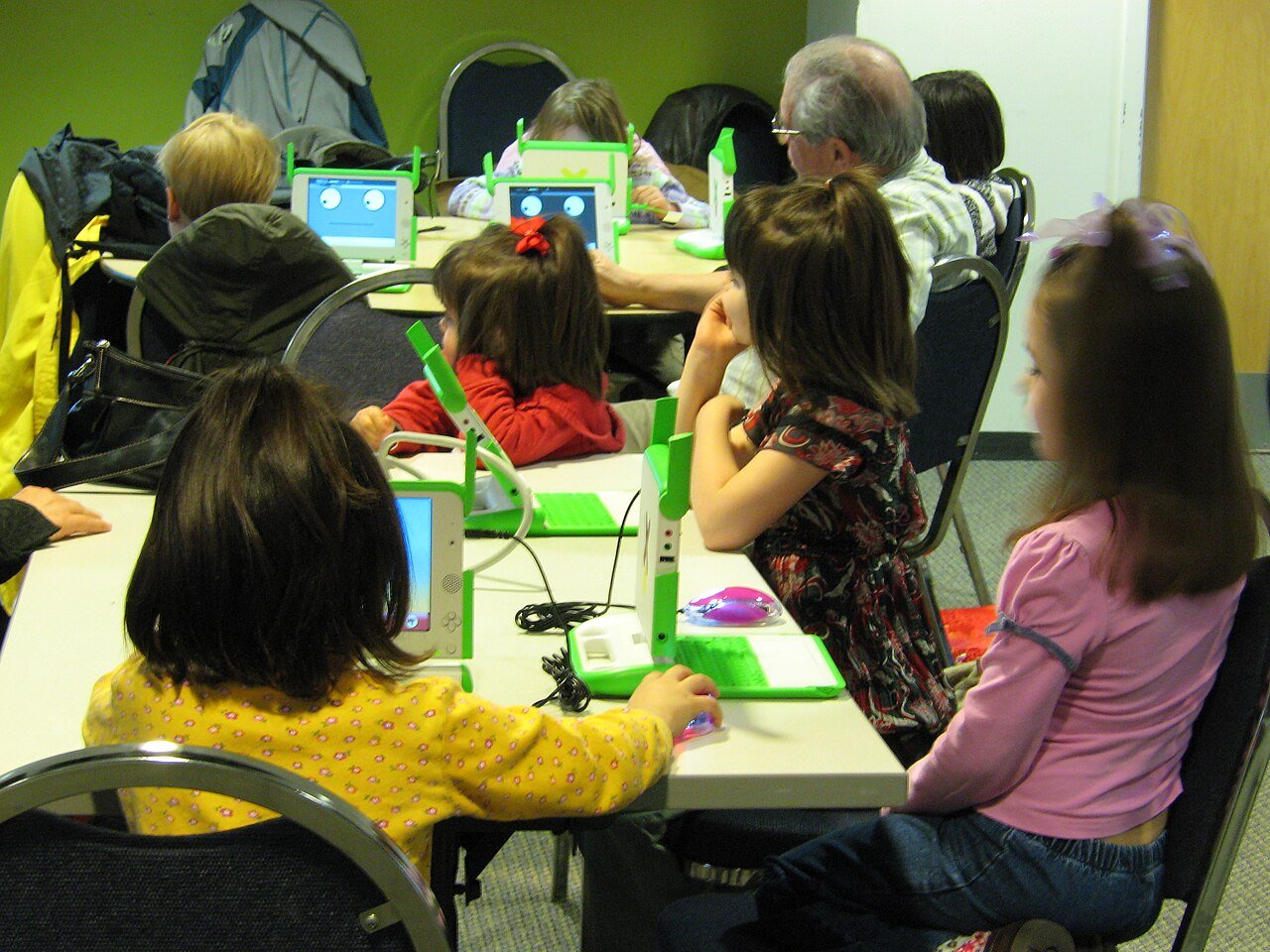
20 Virtual Classroom Games for Elementary Students
Here are twenty games that work on a video call with young children. Each one lists the ages it suits best and how long a round takes. They are grouped by type so you can pick the right game for the moment.
Guessing and Word Games
1. I Spy. The teacher picks something in their own room and says “I spy with my little eye something beginning with…” Children guess. It works because every child can play at once, shouting answers. Best for ages 5 to 8, five minutes.
2. 20 Questions, Junior. The teacher thinks of an animal. Children ask yes-or-no questions to work it out. Keep it to animals, foods, and toys, so the questions stay easy. Best for ages 6 to 9, five minutes.
3. Mystery Sound. The teacher makes a sound off camera: shaking keys, tapping a glass, tearing paper. Children guess what it is. It is a listening game, and it works beautifully on a call because the sound is the whole game. Best for ages 5 to 8, five minutes.
4. Word Chain. The teacher says a word, like “cat”. The next child says a word starting with the last letter: “tiger”. Then “rabbit”, then “turtle”. Anyone who pauses for more than five seconds is out, but let them back in on the next round. Best for ages 7 to 10, ten minutes.
5. Rhyming Pairs. The teacher says a word, and children shout a word that rhymes with it. “Cat” gets hat, bat, mat, fat. Give a point to the funniest rhyme. It is a phonics game disguised as a shouting game. Best for ages 5 to 8, five minutes.
6. The Alphabet Game. Pick a topic, like animals or food. Go around the call naming one thing starting with A, then B, then C. Children love it when the letter is hard, like Q or X. Best for ages 7 to 11, ten minutes.
Movement Games
7. Simon Says. The classic, and it works perfectly on camera. The teacher says “Simon says touch your nose” and children do it. If the teacher does not say “Simon says”, children who move are out. It is the best game for getting wiggly children to focus, because it makes listening physical. Best for ages 5 to 9, ten minutes.
8. Freeze Dance. Play music, children dance on camera. Stop the music, everyone freezes. Anyone still moving is out. It is loud, it is silly, and it burns off energy in two minutes. Best for ages 5 to 10, five minutes.
9. Follow the Leader. The teacher does a movement, and the class copies it: wave, clap, jump, spin. Then a child becomes the leader. It is simple, it is fast, and every child gets a turn to lead. Best for ages 5 to 8, five minutes.
10. Jump for the Answer. The teacher asks a question with two answers, like “is a tomato a fruit or a vegetable?” Children jump for one answer and sit still for the other. It turns a quiz into a movement game, and it works for any subject. Best for ages 6 to 10, ten minutes.
11. Scavenger Dash. The teacher names an item, like “something red” or “a spoon”. Children run to find it and bring it back to the camera. First back wins a point. It is the most exciting game on this list, and the one that needs the clearest safety rules: stay inside, do not climb, do not run down stairs. Best for ages 6 to 11, ten minutes.
Drawing and Showing Games
12. Pictionary. The teacher draws a word on paper and holds it up to the camera. Children shout guesses. Use simple words: cat, house, sun, car. The teacher’s bad drawing is half the fun. Best for ages 5 to 10, ten minutes.
13. Show and Tell, Speed Round. Each child has thirty seconds to show one thing from their room and say one sentence about it. It is the fastest way to learn what matters to your students, and every child gets a turn. Best for ages 5 to 11, fifteen minutes for a class of twenty.
14. Draw It Blind. Children close their eyes and draw a house, a cat, or a bicycle. Then they open their eyes and hold up their drawings. The worst drawing wins the biggest laugh. It works because nobody can draw well with their eyes shut, so nobody feels judged. Best for ages 5 to 9, ten minutes.
15. Guess the Drawing. A child draws something on paper and holds it up. The class guesses what it is. Give the drawer a secret word from the teacher, so the class has something real to guess. Best for ages 6 to 10, ten minutes.
16. Emoji Story. The teacher shows three emojis that describe a story or a film. Children guess what it is. A lion, a crown, and a rock might be The Lion King. It is a reading game that feels like a puzzle. Best for ages 7 to 11, ten minutes.
Quiz and Team Games
17. True or False. The teacher reads a statement, and children show thumbs up for true and thumbs down for false. “Spiders have eight legs.” “The sun rises in the west.” It is a quiz that needs no speaking, which makes it perfect for shy children and large classes. Best for ages 6 to 11, ten minutes.
18. Baamboozle Quiz. Open a quiz game on the official Baamboozle website and share your screen. The class picks a tile, answers the question, and earns points for the team. It is the easiest team game to run online, because the board does the work and the teacher just reads the questions. The Baamboozle for online classes guide explains how to set it up in two minutes, and it works for every subject from phonics to science.
19. Team Trivia. Split the class into two teams. Ask five questions per round, one point per correct answer. Use questions from the week’s lessons, so the game revises as it entertains. Let each team choose a name, and keep a running score across the week. Best for ages 8 to 11, fifteen minutes.
20. The Mystery Box. The teacher holds up a box and gives three clues about what is inside. Children guess. Open the box on camera for the reveal. It is simple, it is dramatic, and it works as a reward game at the end of a hard lesson. Best for ages 5 to 10, five minutes.
Games That Work Best on Camera
Not every game works on a video call, and the ones that do share a pattern: the camera is part of the game. In Simon Says, the teacher watches the children’s hands. In Pictionary, the drawing is held up to the lens. In Freeze Dance, the frozen faces are the game itself. The camera is not a barrier to these games. It is the stage.
Running Games on Zoom vs Google Meet
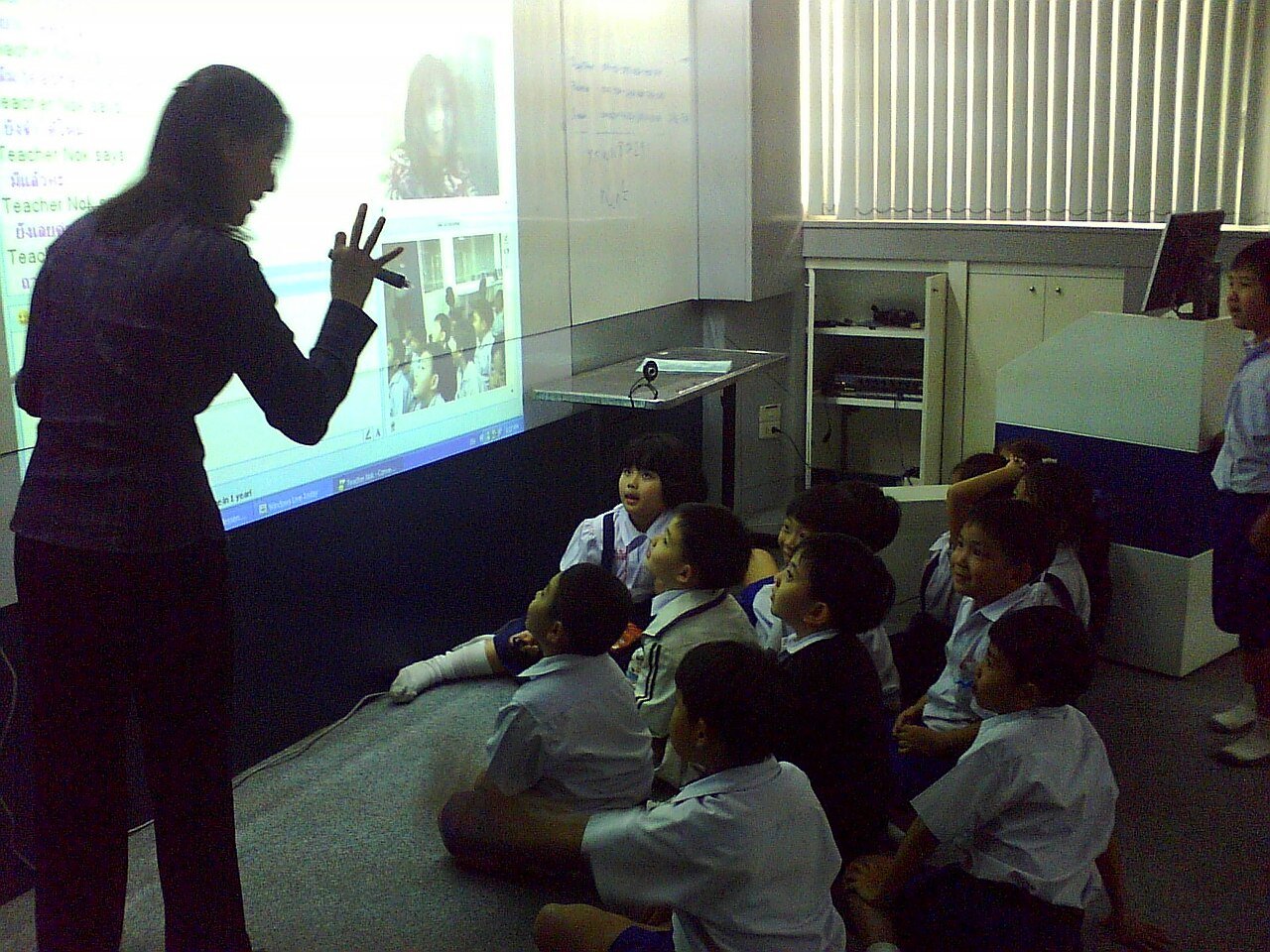
The games are the same on both platforms, but the tools differ. On Zoom, use Spotlight to pin the teacher or the child whose turn it is, so everyone sees the right face. Use Breakout Rooms for team games, and the Reactions buttons for quick answers. On Google Meet, use the Hand Raise button instead of shouting, and the grid view so every child can see every other child. The chat works well for answers: children type a word, and the teacher reads the first correct one aloud.
On either platform, keep the class small if you can. Twenty children is the most that works well for games. With thirty or more, split the class into two calls or use team games where only the team captain speaks. The teacher cannot watch thirty small faces and run a game at the same time.
Games by Age
Ages 5 to 7. Stick to movement and guessing games: Simon Says, Freeze Dance, I Spy, Mystery Sound, and Show and Tell. Keep every game under ten minutes, explain it by doing it, and repeat the rules twice. Children this age cannot follow a game they have only heard about.
Ages 8 to 9. Add word games and team games: Word Chain, Rhyming Pairs, Scavenger Dash, Pictionary, and True or False. Children this age can handle a little competition, and they love keeping score. Let them be the leader sometimes.
Ages 10 to 11. Use the full list, including quiz games and team trivia. Older elementary students can handle strategy, debate, and longer games. Baamboozle Quiz and Team Trivia are ideal at this age, and they can even help write the questions.
What to Do When the Call Goes Wrong
The internet will drop. A child’s microphone will squeak. Someone’s little brother will walk into the frame. That is normal for online teaching, and the teacher’s reaction sets the tone for the class.
If a child’s connection freezes mid-game, keep playing. Do not stop the game for one frozen screen. The child will rejoin, and you can give them a bonus question to catch up. If the teacher’s own connection drops, have a backup: a co-teacher, a parent helper, or a simple instruction on the screen telling children to draw quietly until you return.
If a game turns chaotic, with everyone shouting at once, use the mute-all button, then unmute one child at a time. It is not a punishment. It is a reset. Say “great energy, let us use it one at a time”, and the class will settle.
If a child is too shy to play, let them watch and give them a small job: scorekeeper, timer, or judge. Shy children often join in by the third game, once they have seen that nobody gets laughed at. Never force a child to perform on camera.
Frequently Asked Questions
What is the best virtual classroom game for elementary students?
Simon Says is the best first game. It needs no explanation, it works for ages five to ten, and it teaches the two skills every online class needs: listening and following instructions. After Simon Says, add a guessing game like I Spy and a team game like Baamboozle Quiz, and you have a full set for the week.
How do I keep young children focused during an online game?
Keep games short, let everyone play at once, and change the game every ten minutes. A child who is waiting for a turn is a child who has left the lesson. Use movement games between sitting games, and use the mute button to control the noise. Short, active, and varied beats long, quiet, and still every time.
Do I need a paid account to play games on Zoom or Google Meet?
No. Every game in this guide works on the free versions of Zoom and Google Meet. There is no app to install, no account for students to create, and nothing to buy. The games use the camera, the microphone, and the chat, which are all free.
Can I play these games with a large class?
Yes, but use team games and silent answers. With more than twenty children, give answers through reactions or the chat instead of shouting, and let team captains speak for their teams. True or False, Baamboozle Quiz, and Team Trivia all scale well to large classes.